
The right access. A specific decision.
Staff access for daycare and boarding software, with individual identities, building scope, granular permissions and recorded approvals for particular actions.
Book a demo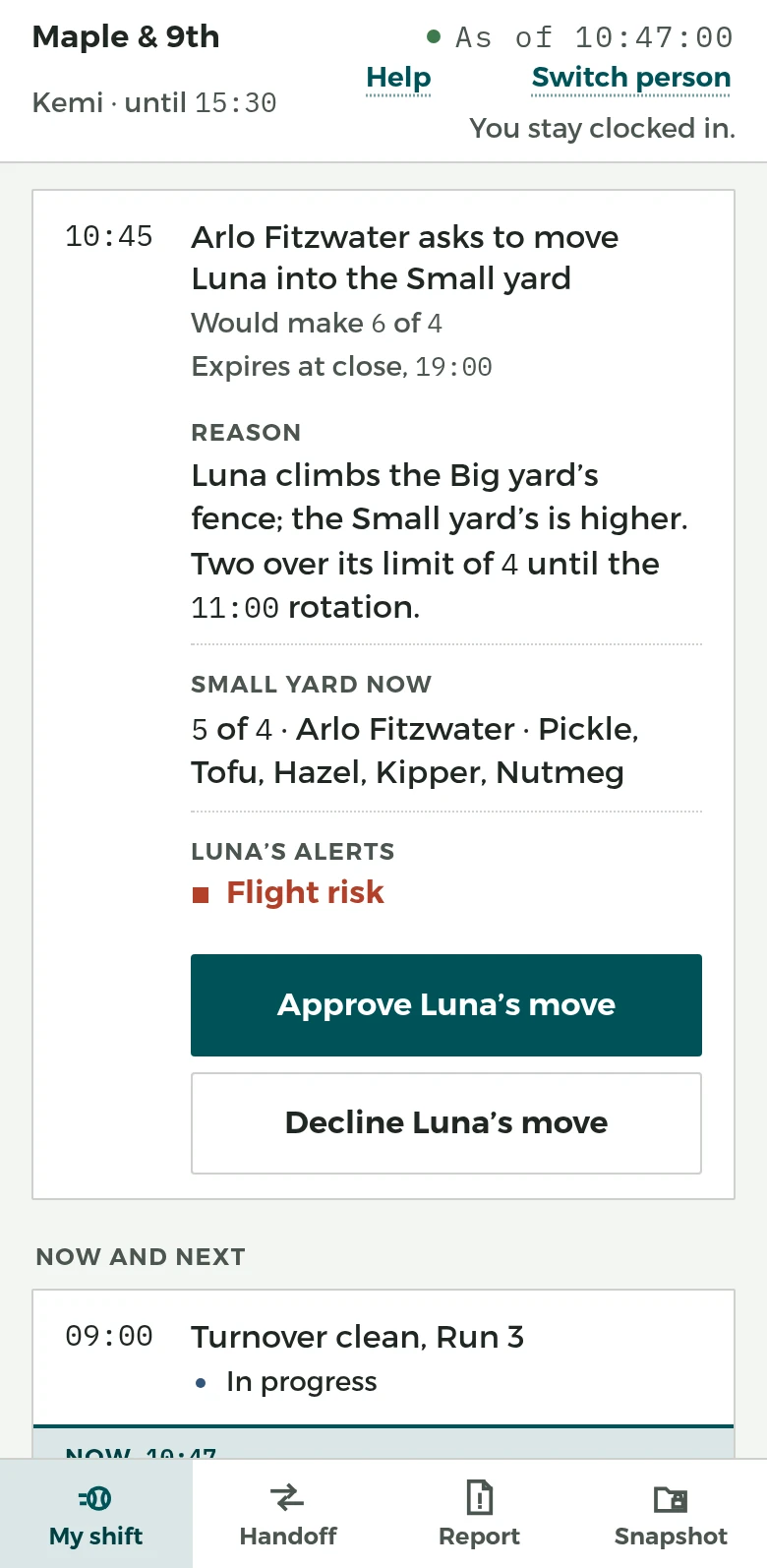
Access follows the work someone may do.
Each person has their own identity. Set access by role, building and responsibility, with approval limits for sensitive actions.
Sensitive actions can carry financial limits and a second-factor requirement.
Individual identity
The record can show who acted, including on a shared phone.
Building context
Access and qualifications remain attached to the relevant place and work.
Specific authority
Give each person the access and limits that fit their work.
A quick decision, with the details attached.
Approve a specific action with its reason, amount and decision kept on record. Eligible approvers can respond with their PIN in person or through the approvals queue.
See what a change affects before it takes effect.
Preview affected bookings before publishing price or policy changes. Existing reservations keep their agreed prices and terms, with a clear history of who changed what and when.

A few practical questions.
What does a one-time approval include?
The requested action, relevant record, amount where applicable and reason stay together with the approver’s decision and history.
How can we control staff access?
Group permissions into roles, choose building access and set limits for sensitive actions. Each person works with the access that fits their responsibilities.

A company
you can talk to.
Take a look around the bookings, care and business tools built for your day.
20 minutes. Video or phone.
Book a demo