
The payment belongs with the visit.
Dog daycare and boarding payments, connected to the household, booking and invoice. Keep what was charged, what was paid and what is still owed in view.
Book a demo
Take the payment.
Keep the context.
A deposit, a card at the desk or cash at pickup should lead back to the record it belongs to.
Staff can see the amount and the available payment methods alongside the household. Saved-card use follows the permission recorded for that payment. Card payments use your facility’s own Stripe account.
The front desk can work through payment as part of guided checkout, together with the collector, belongings, services and report card.
See the connected checkout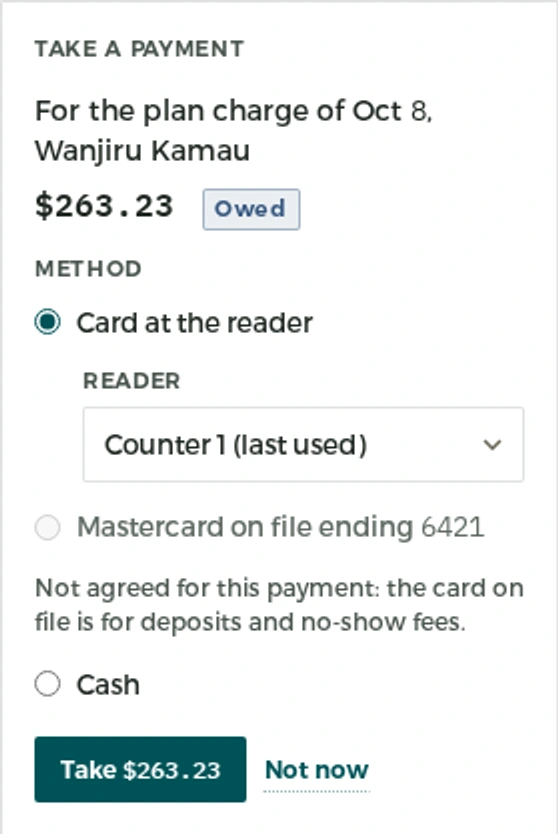

At the counter.
Or out by the car.
Take payments at the front desk or bring a handheld reader to the family at pickup.
Tap or insert, with an optional tip, and keep the payment connected to the visit’s invoice.
Card payments run through your facility’s own Stripe account. We help you choose your readers and get them set up.
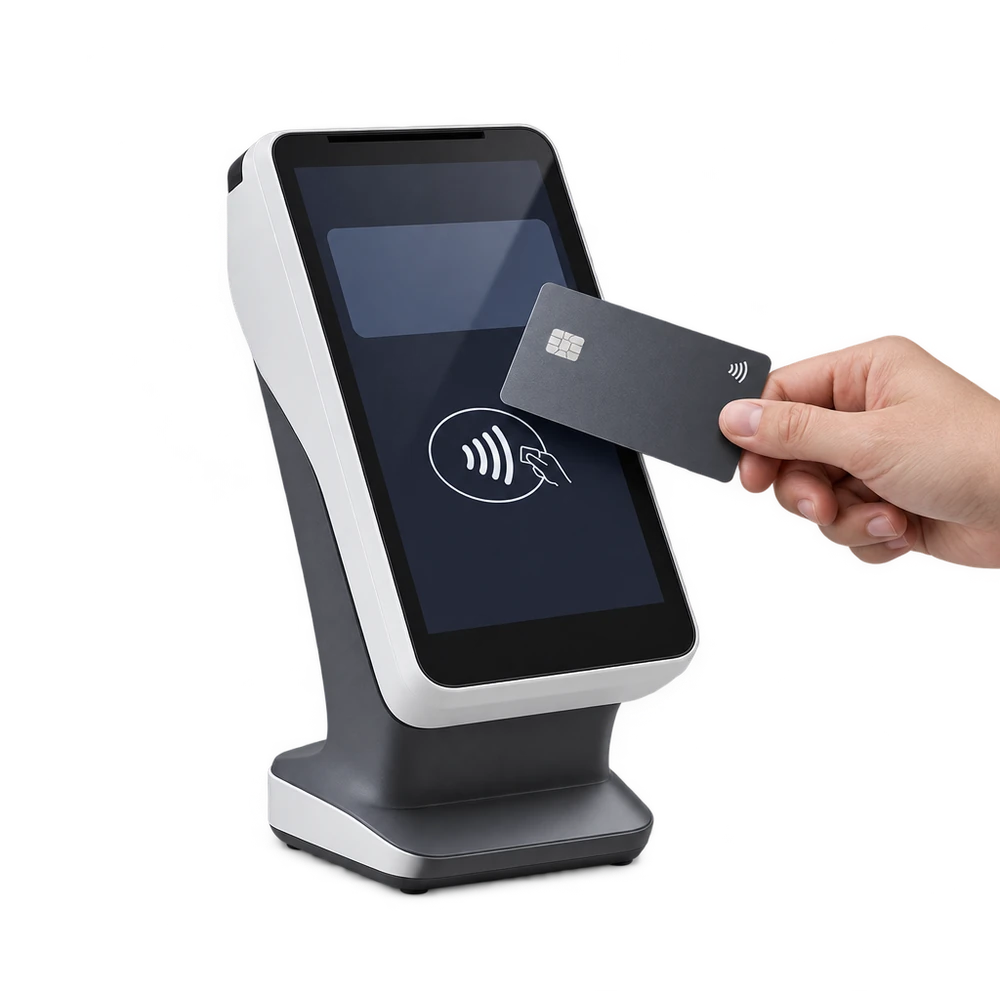
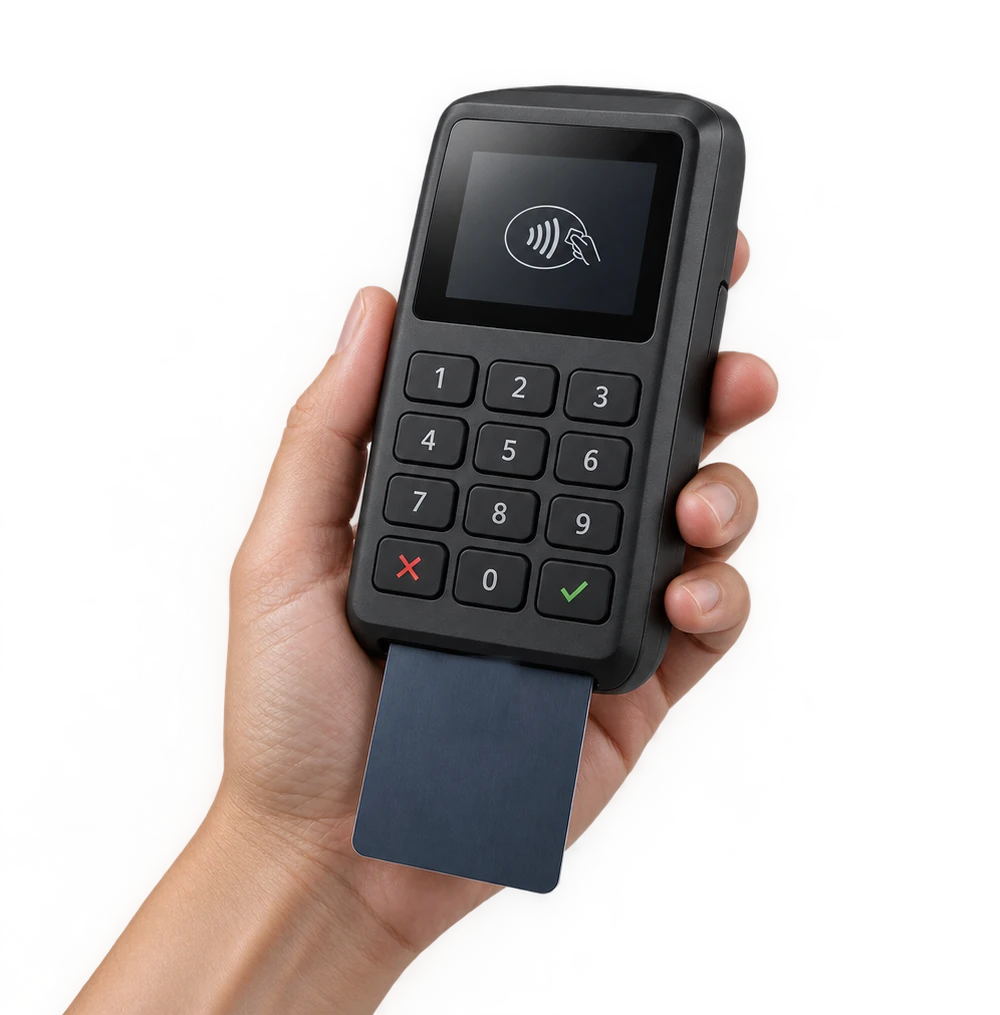
Card at the reader
Tap or insert at the desk or in hand, with a tip if they choose.
Card on file
Take deposits and other authorized payments with the family’s saved card.
In the portal
Parents pay invoices and deposits and buy packages from their phone or laptop.
Cash
Keep cash payments with the visit, alongside card and portal payments.
See what is billed.
See what is owed.
Invoices have a household, building and status. Draft, open, partially paid and paid records remain distinct, so your team can see what needs to happen next.

A deposit is money for a stay still to come.
The payment record keeps its amount, method, status and allocations. A deposit held for a future visit stays distinct from earned care. Refunds link back to the original payment, and pending or failed payments are clearly marked.
Staff can work from the household and invoice, with permissions and specific approval where a refund or fee decision exceeds their limit. Basic retail can sit on the same invoice with its product and tax context.
Clear charges.
Your Stripe account.
Payment costs are separate from the software subscription. The pricing page explains the whole bill, including card payments, optional texting and reader hardware.
See full pricing- Card payments
Your own Stripe processing fees, plus a 0.3% TailTalk fee. TailTalk’s fee is returned when the payment is refunded.
- Cash
No TailTalk payment fee on cash. No card surcharge or convenience fee is passed to pet parents.
- Reader hardware
Purchased separately. Cost depends on the compatible model, plus applicable tax and shipping. We help you choose and set it up.
A payment and revenue
answer different questions.
See money collected, care earned and unused package value side by side, with the records behind each figure.
Explore the owner’s financial view
A company
you can talk to.
Take a look around the bookings, care and business tools built for your day.
20 minutes. Video or phone.
Book a demo